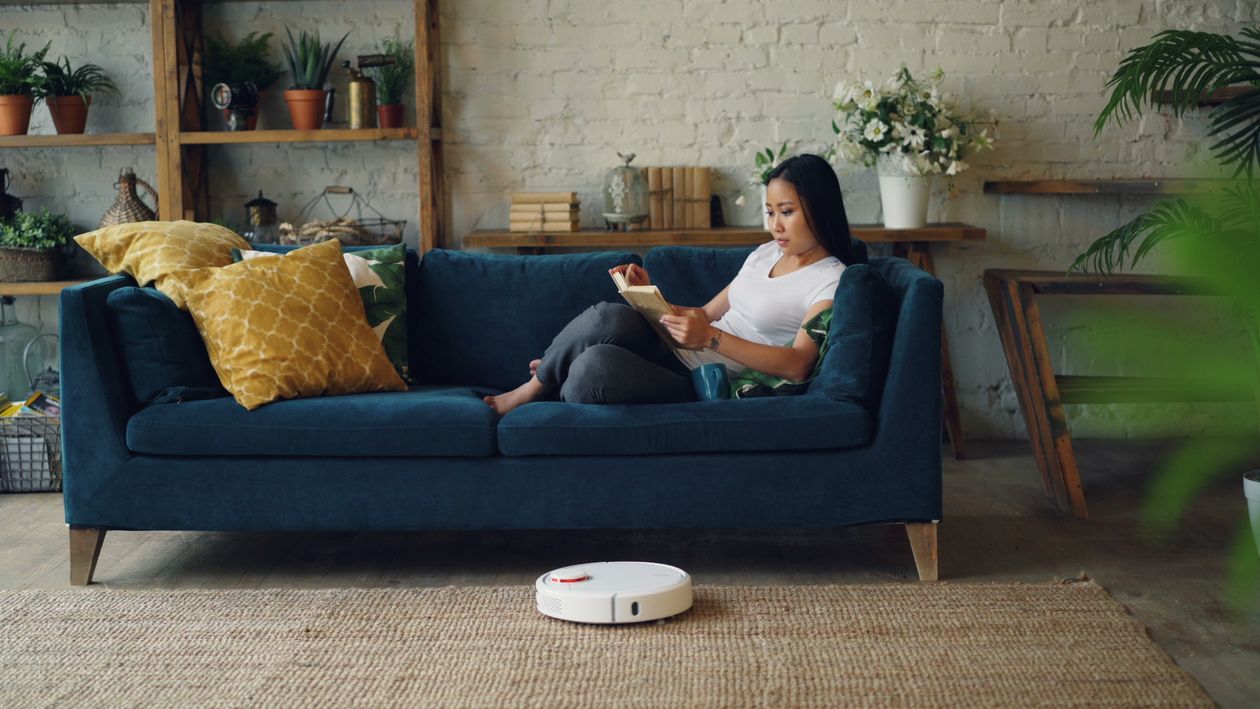
Smart home devices are most useful when they remove a small, repeated bit of friction. They do not need to run the whole house. A reminder can help you remember the bins, a scheduled light can make an evening reset easier to start, and a robot vacuum can take one floor task off your list. Start with one routine and keep the manual controls easy to reach.
8 practical smart home routines
- Use a voice timer for a short reset. A ten-minute timer can keep kitchen cleanup focused and give the whole household a clear finish time.
- Schedule a recurring reminder for rubbish, recycling or laundry. Choose a time that matches your real routine, then adjust it if notifications become easy to ignore.
- Run a robot vacuum when floors are clear and the household is away or settled. Pick up cords, small toys and loose fabric first, and check the device’s instructions around pets and stairs.
- Set lights to change gently around your normal evening routine. A light cue can remind you to prepare for tomorrow without needing another app notification.
- Use a smart plug for a suitable lamp or small device only. Follow the plug’s rating and manufacturer instructions. Do not use it for heaters or other high-power appliances unless the device is specifically rated for that use.
- Add a leak sensor under a sink or near a washing machine if compatible devices are available. Alerts can help you notice water sooner, but they do not replace checking hoses and plumbing.
- Keep a shared digital shopping or restocking list. Add supplies when they run low instead of making an extra trip because no one remembers what is left.
- Create a simple household reminder for a weekly reset. Keep the list short: clear surfaces, return items and check the calendar.
Keep privacy and safety in the routine
Review the privacy settings of speakers, cameras and connected apps. Use strong, unique account passwords and enable available security updates. If a device needs access to location, contacts or audio, check whether that access is necessary for the feature you use. Avoid connecting devices you cannot maintain or update.
Start with one routine, not eight
Choose the repeated task that annoys you most, then automate only that step. Test the routine for a week and keep it only if it saves effort. Smart home cleaning routines should support habits that already work, not create more alerts, setup screens or subscriptions to manage.
A calmer home can stay simple
The best smart home is not the one with the most devices. It is the one where a few reliable tools make everyday tasks easier and still leave you in control. A timer, a reminder and a well-used robot vacuum can be more useful than a complicated chain of automations.